


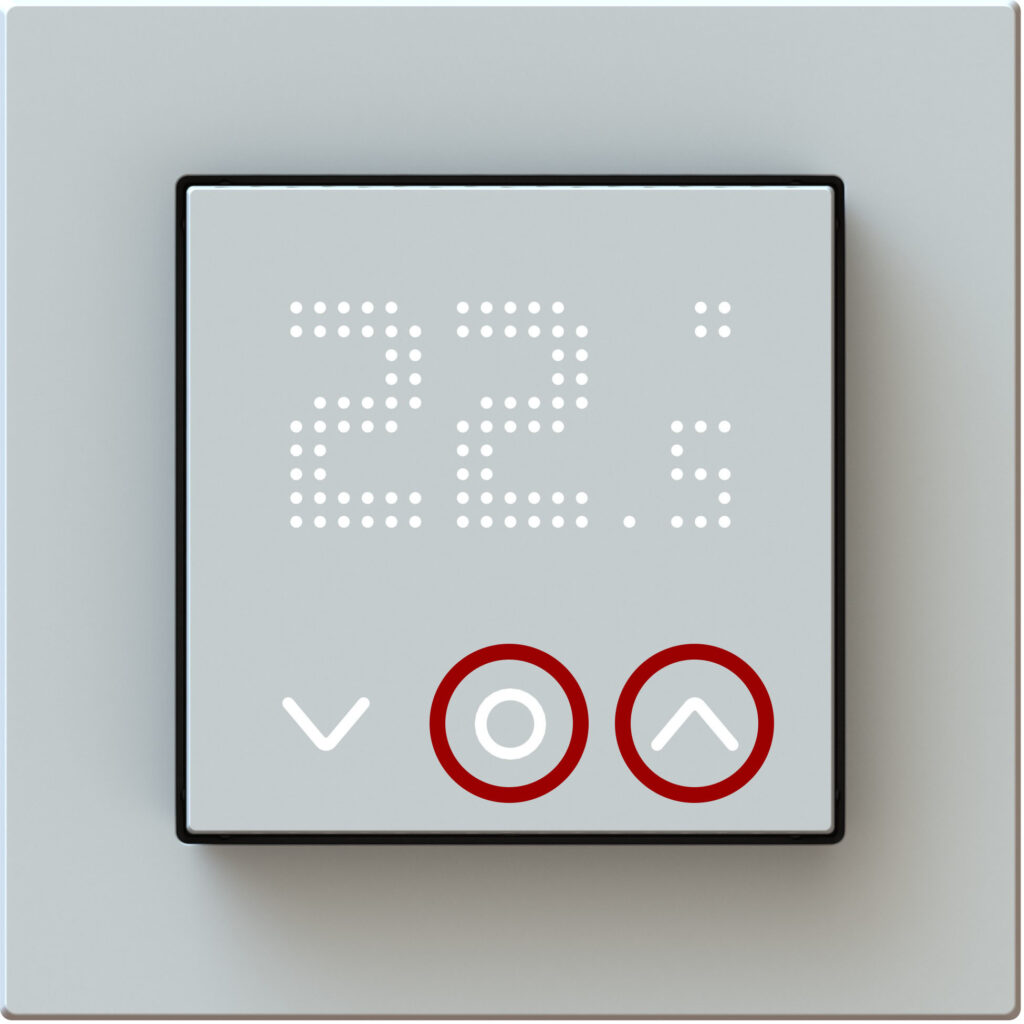
Usecase: In the bedroom when the light from the display appears too bright and disturbing in the dark.
Switching on
Press and hold simultaneously the following keys for 10 sec.:


The DOF display will then appear, confirming the setting. After about 30 seconds the display switches to standby mode.
Only the system and function keys are then visible. Changes to the set temperature can still be made.
Switching off
Press and hold simultaneously the following keys for 10 sec.:
The DON display will then appear, confirming the setting.