


Overview of the possible parameterization using the menu items
Preliminary note:
Only menu items that enable logical operation of the device with existing settings are displayed.
All other menu items are hidden until adjusted.
The menu items are marked according to their scope:
 | Electric heating |
 | Water-based underfloor heating and cooling |
The menu of the thermostat is divided into two levels:
- Parameter settings that can be made by the end user.
- Parameter settings that should only be performed by authorized personnel.
Functionality of the touch keys
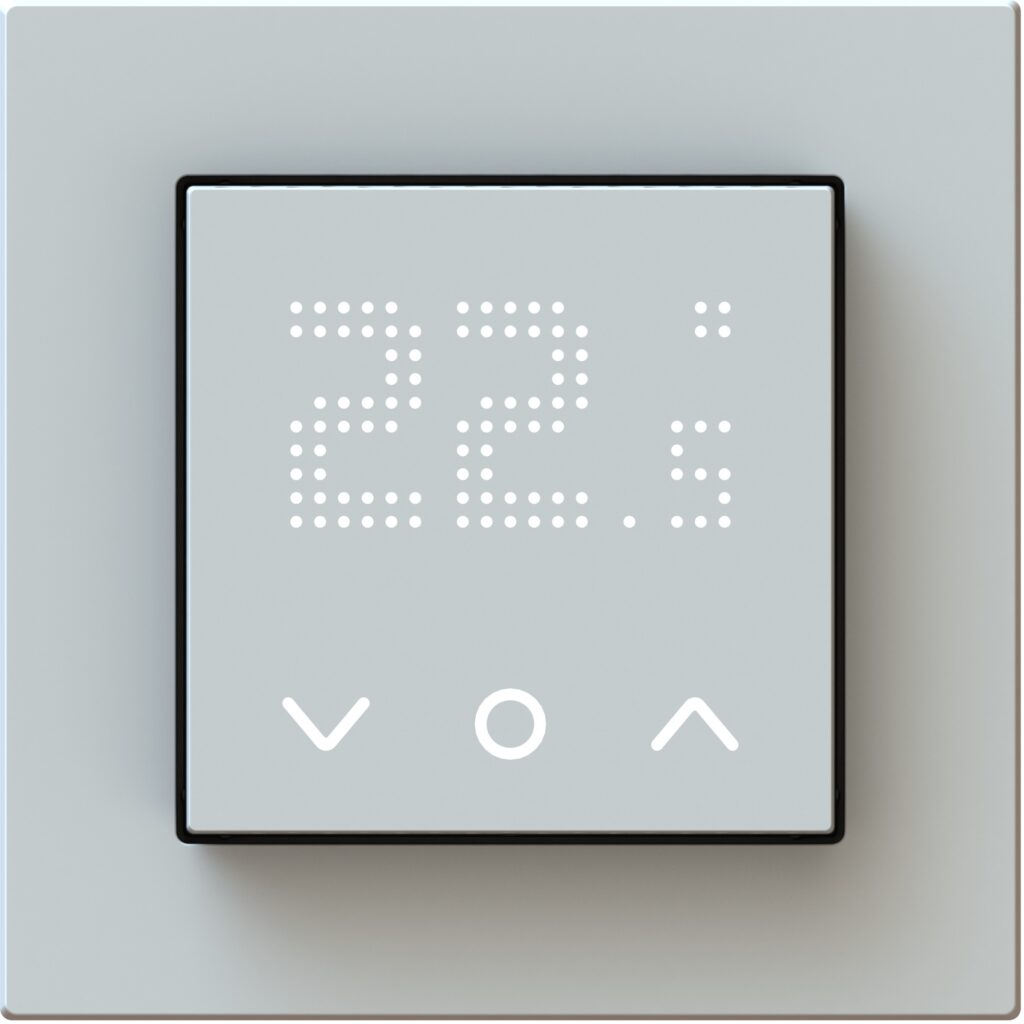
 | press shortly | Navigation between functions |
 | press shortly | Confirm function / setting |
| press (2 sec) | Exit selected function* |
| press and hold (5 sec) | Open menu |
* If the selection of a menu item is not changed within approximately 10 seconds, the display will return to the menu item.